Hi, how can we help?
How do I change my email address?
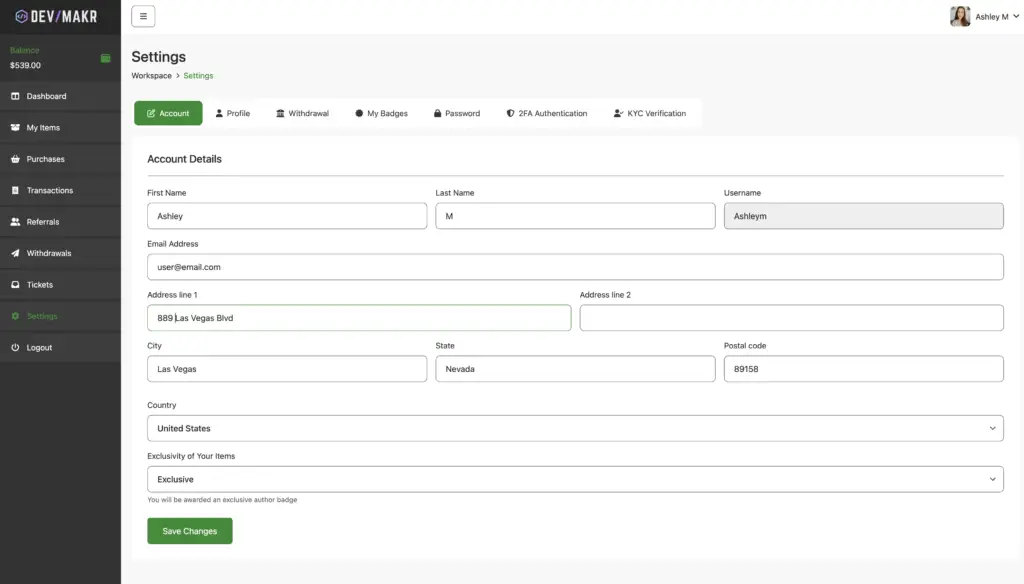
To change your email address on devmakr.com:
- Log in to your account.
- Navigate to the “Account Settings” or “Profile” section.
- Find the “Email Address” field.
- Enter your new email address.
- Save the changes.
- Check your new email for a confirmation link to verify the update.
If you encounter any issues, contact customer support for assistance.