Hi, how can we help?
How do I change my password?
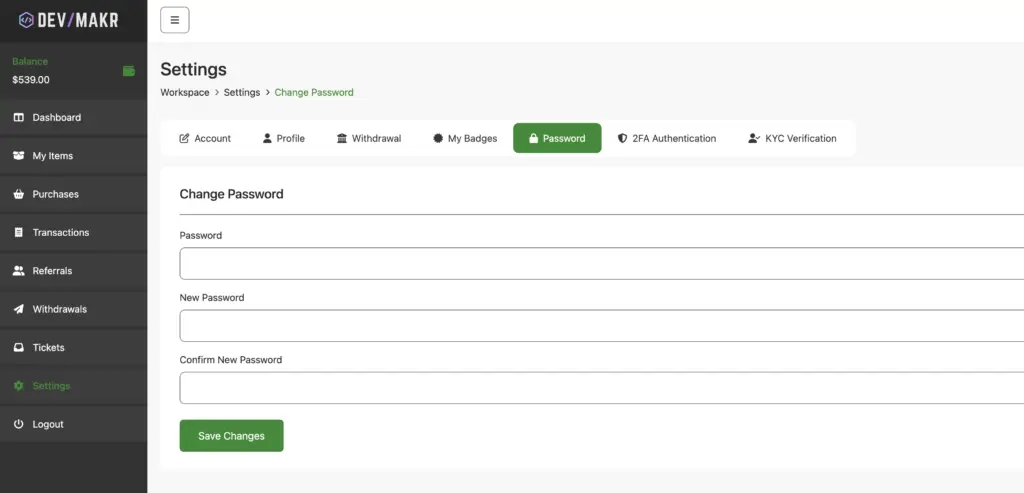
To change your password on devmakr.com, follow these steps:
- Log in to your devmakr.com account.
- Click on your profile icon in the top-right corner.
- Select “Account Settings” from the dropdown menu.
- Find the “Password” section and click “Change Password.”
- Enter your current password, then your new password.
- Confirm the new password.
- Click “Save” to update your password.
If you encounter any issues, contact support for assistance.