
Hi, how can we help?
Getting help with logging into my Account
Having trouble logging into your devmakr.com account? Don’t worry, we’re here to help! Follow these steps to regain access:
- Check Your Credentials: Ensure you’re entering the correct email and password. Double-check for any typos or incorrect capitalization.
- Reset Your Password: If you’ve forgotten your password, click on the “Forgot Password?” link on the login page. Follow the instructions to reset your password via the email associated with your account.
- Clear Browser Cache: Sometimes, clearing your browser’s cache and cookies can resolve login issues.
- Try a Different Browser or Device: Access your account using a different browser or device to see if the problem persists.
- Disable Extensions: Browser extensions can sometimes interfere with login processes. Disable them temporarily to see if that helps.
- Contact Support: If you’re still unable to log in, reach out to our support team for assistance. Provide them with details about the issue, including any error messages you may have received.
We’re committed to ensuring you have a seamless experience on devmakr.com. Don’t hesitate to ask for help!
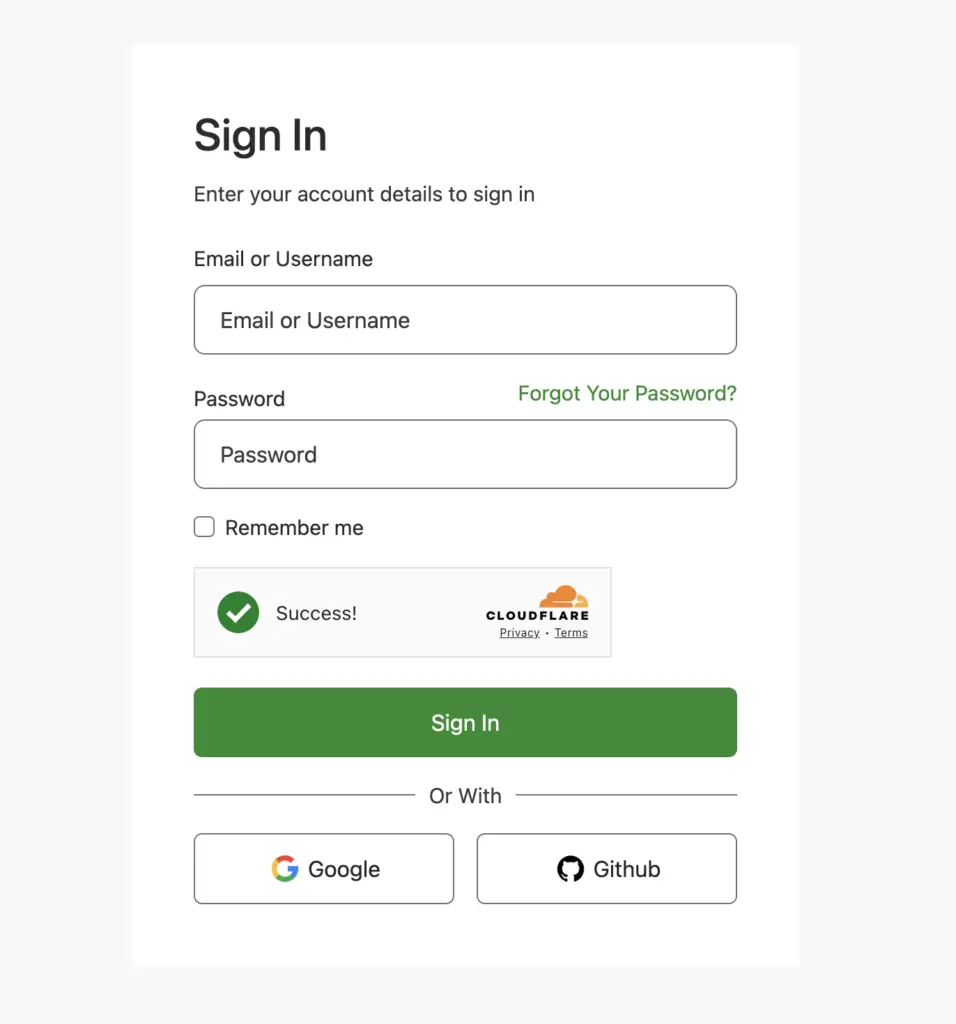
Enhance your experience by logging in with ease! Our platform supports Google and GitHub OAuth logins, allowing you to access your account quickly and securely. Simply choose your preferred login method and enjoy seamless access to all features.