Hi, how can we help?
I’ve forgotten My Username Or Password
Forgot Your Username or Password?
If you’ve forgotten your username or password for devmakr.com, follow these steps to recover your account:
- Visit the Login Page:
- Go to the devmakr.com login page.
- Click “Forgot Username/Password”:
- Click the link for “Forgot Username” or “Forgot Password” as needed.
- Follow the Instructions:
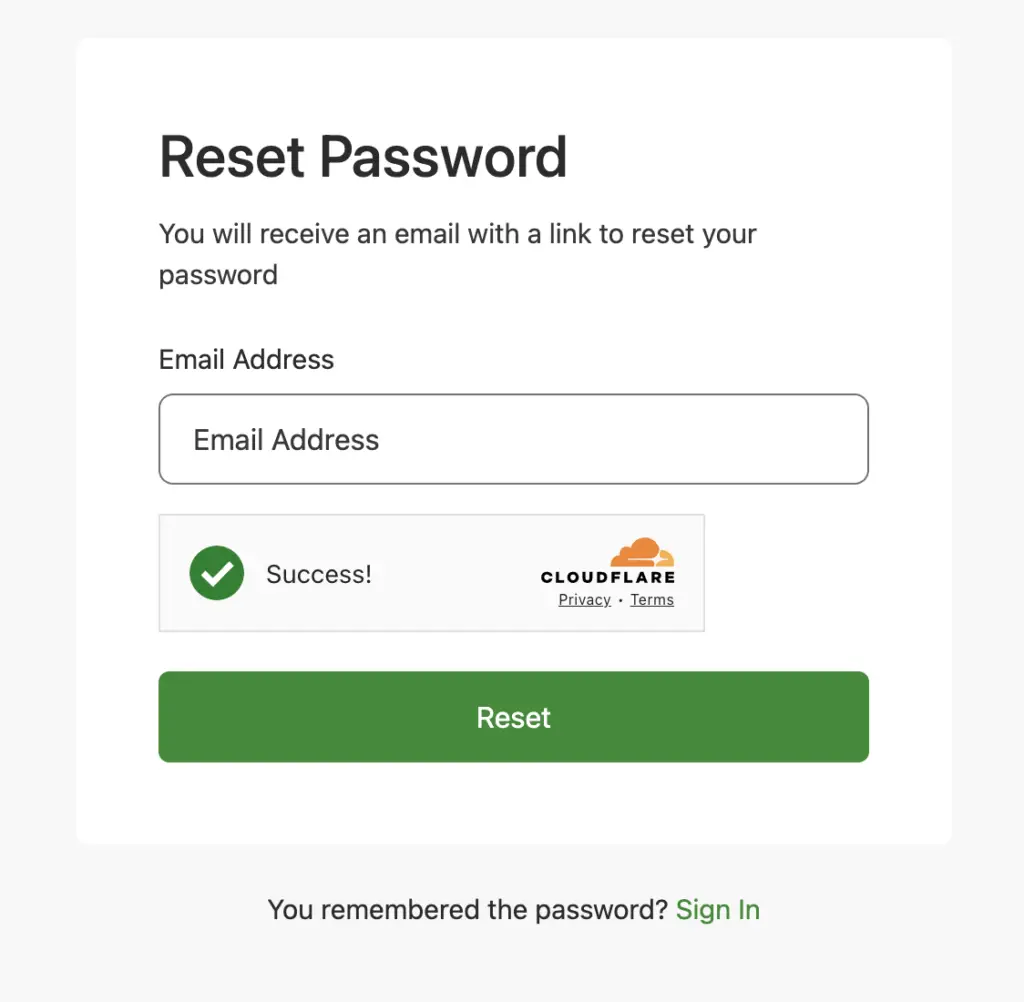
- Enter your registered email address.
- Follow the instructions sent to your email to reset your password or retrieve your username.
- Check Your Email:
- Look for an email from devmakr.com with further instructions.
- If you don’t see the email, check your spam or junk folder.
- Reset Your Password:
- If you requested a password reset, follow the link in the email to set a new password.
Contact Support:
If you need further assistance, contact our support team:
- Email: [email protected]
Our support team is available 24/7 to help you regain access to your account.